iPhone App · Free
Everyone swipes on the same restaurants. The app tallies the votes and shows what you all agree on — in under two minutes.
Free · iOS 16+ · Optional Pro upgrade
Fork in the Road · iPhone
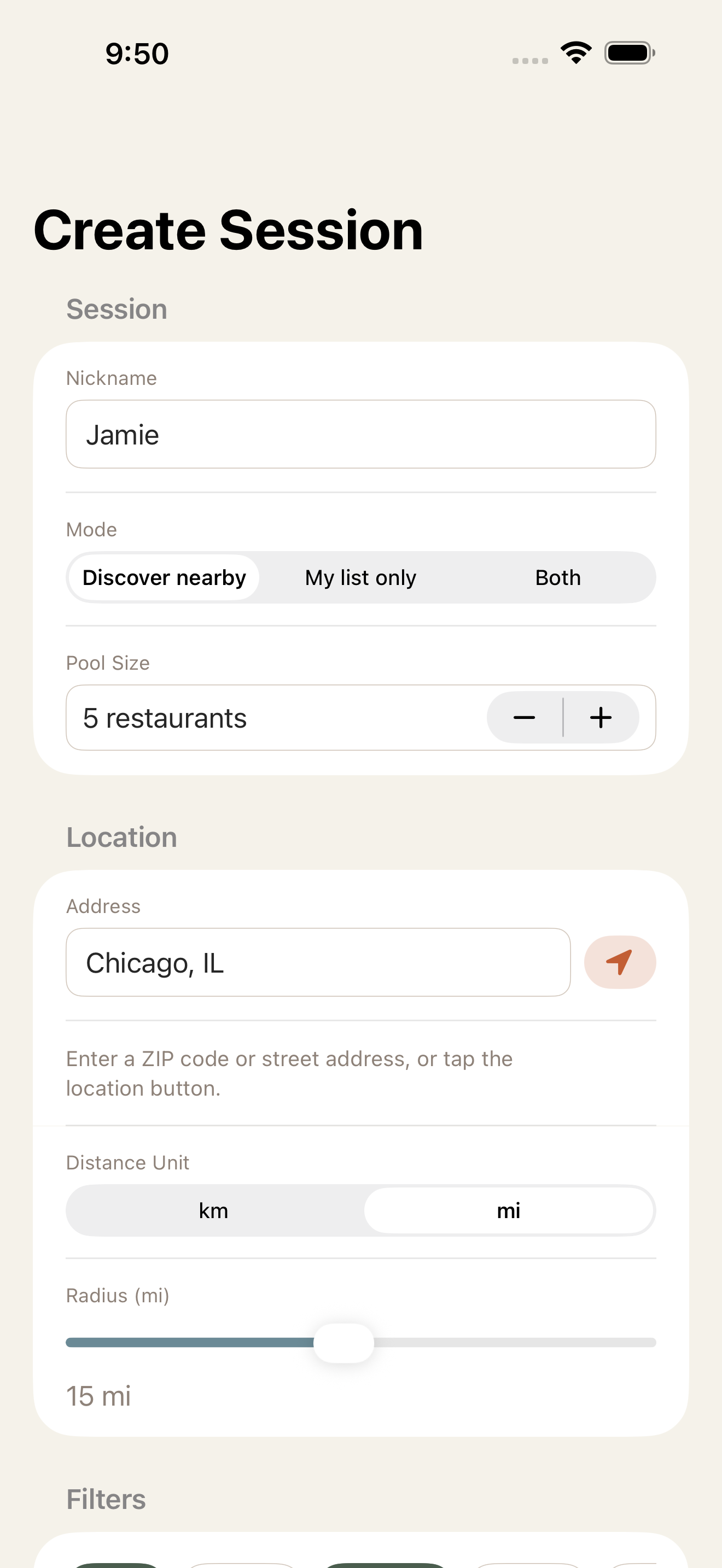
Tap "Use My Location" and the app finds you automatically. Or type any ZIP code or street address to pull restaurants near any spot — useful when you're planning ahead.
Already have places in mind? Add restaurants by name, search for them, or mix your own picks with nearby results. Use whichever approach fits the moment.
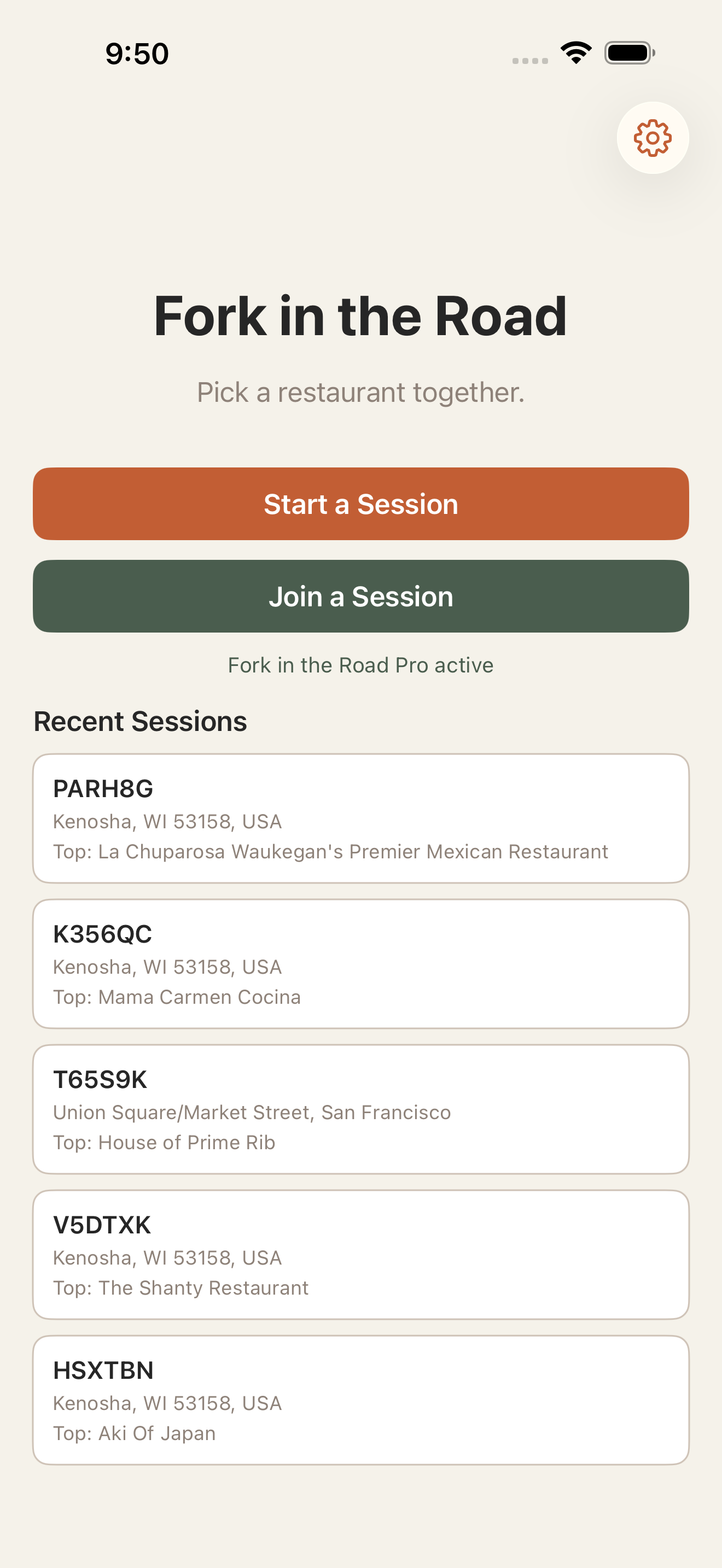
A six-character session code appears the moment the host creates a session. Anyone can join from their own phone — no account, no sign-up, just enter the code and start swiping.
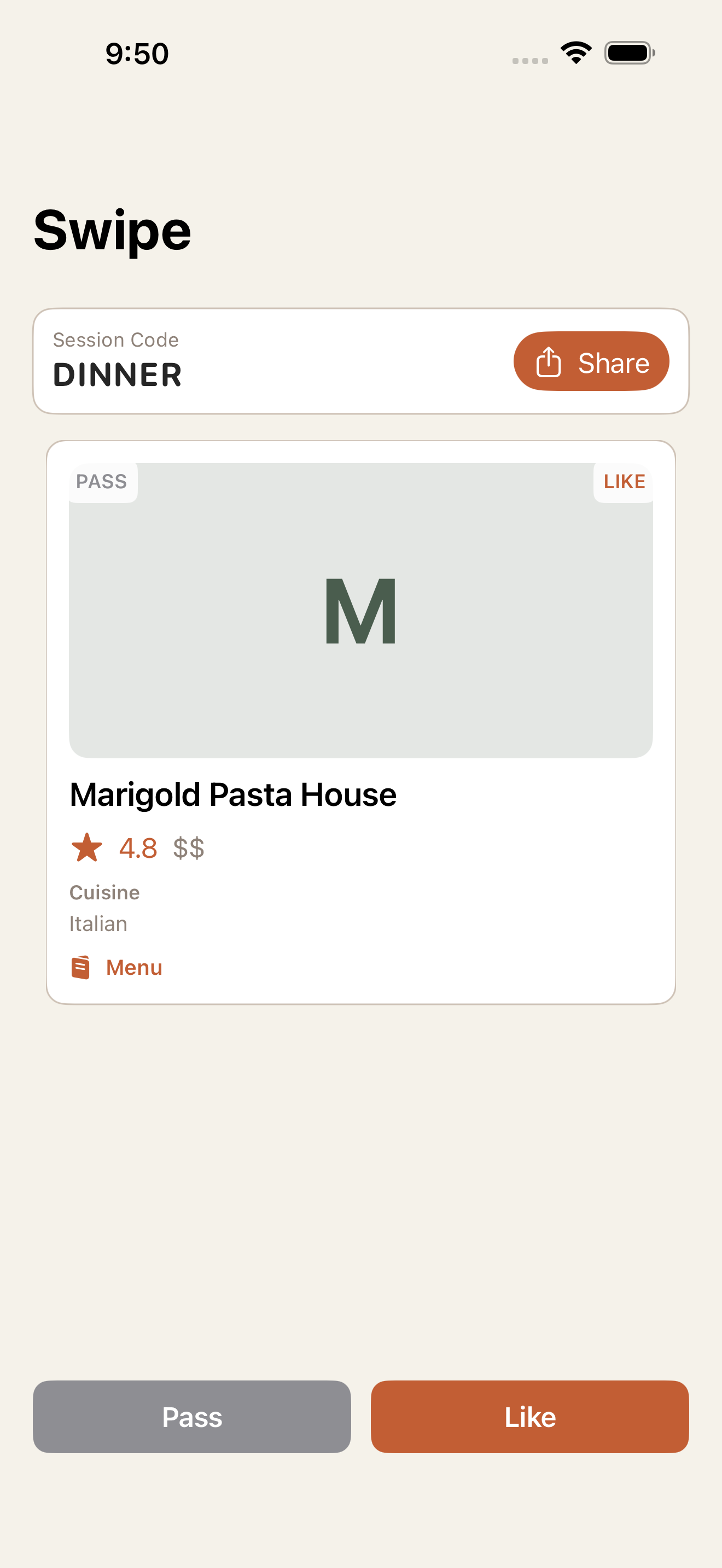
See each restaurant's photo, rating, price, and distance at a glance. Swipe right to like, left to pass — or tap the buttons if you prefer.
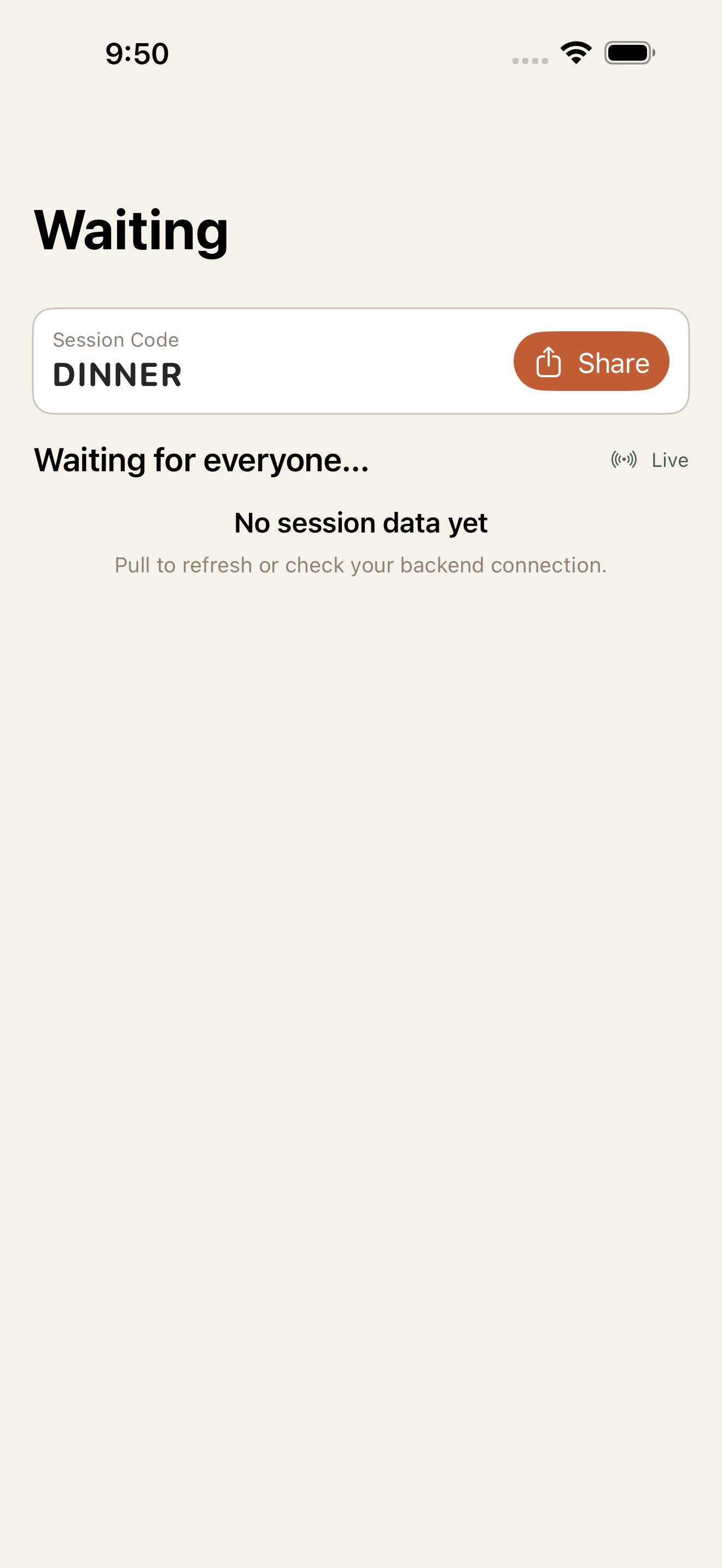
While you wait, you can see who's still swiping and who's done. Results appear the moment the last person finishes.
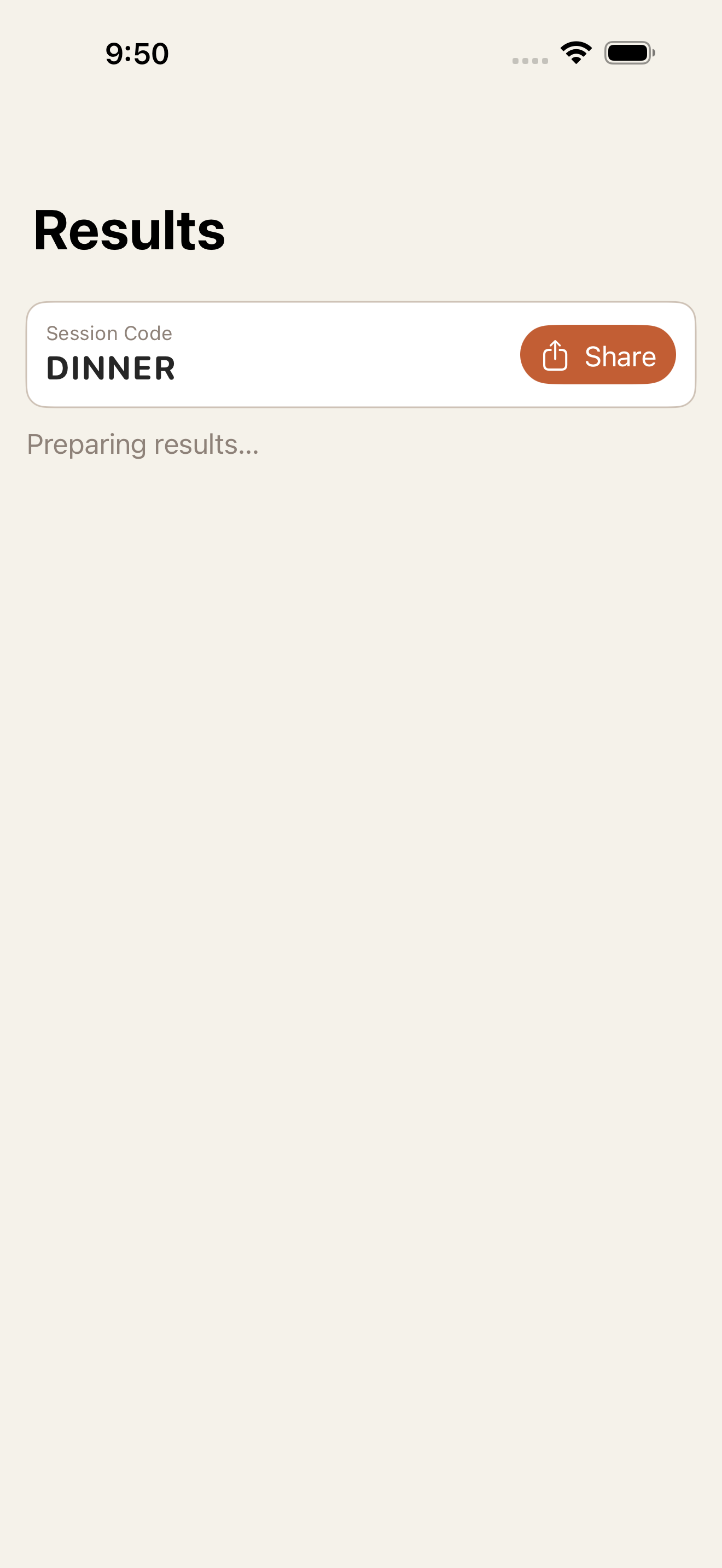
Unanimous picks rank first. Partial matches follow after. If no one agrees, you still get the closest calls so the group has somewhere to start.
Enter a location and choose how many restaurants to swipe on. Filter by cuisine or price, or add your own list. Tap Start.
A short code appears on screen. Copy it and drop it in your group chat. Anyone who joins sees the same restaurant pool.
Each person works through the cards on their own phone at their own pace. Right to like, left to pass.
When the last person finishes, everyone sees the results at the same time. Places you all agreed on rank first.
The native iOS app is faster, smoother, and designed for the moment you need a decision.
Swipe to vote
Create a session
Ranked results
Live waiting room
Home
Join a session
Fork in the Road is free. Ads appear while you wait for results. Upgrade to Pro and they disappear.
Ad-supported. Full access to create, join, swipe, and see results.
Everything in Free, plus a completely ad-free experience.
Download the free iPhone app and start a session in seconds. No account needed.